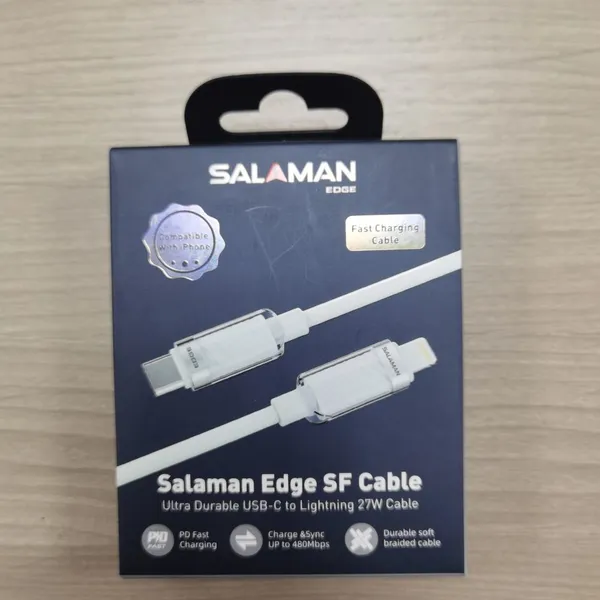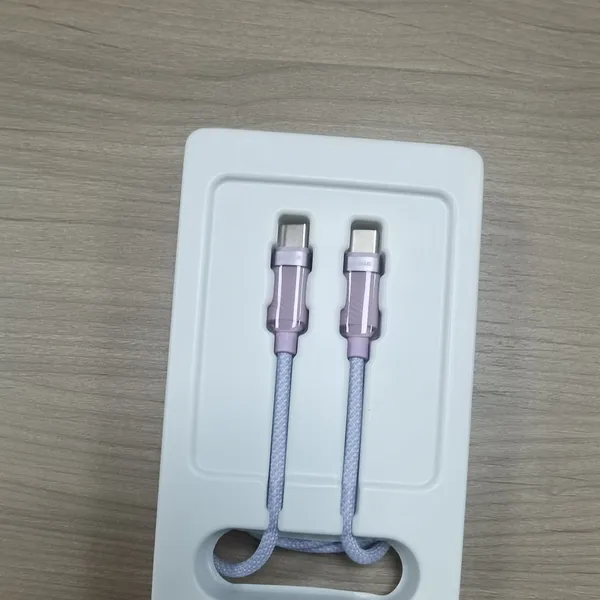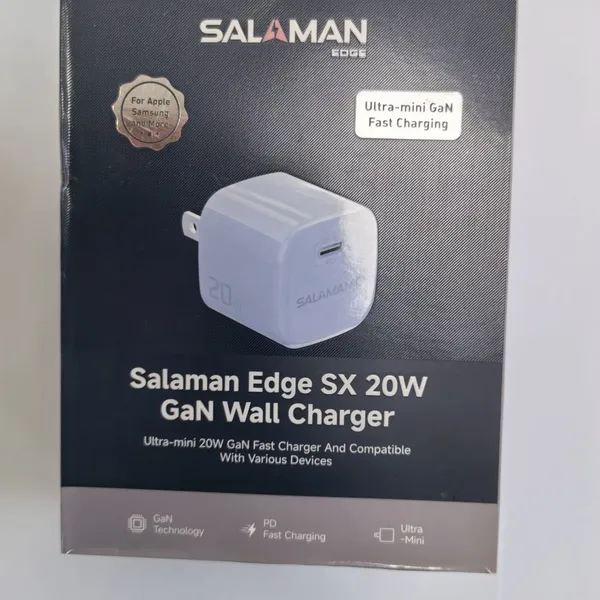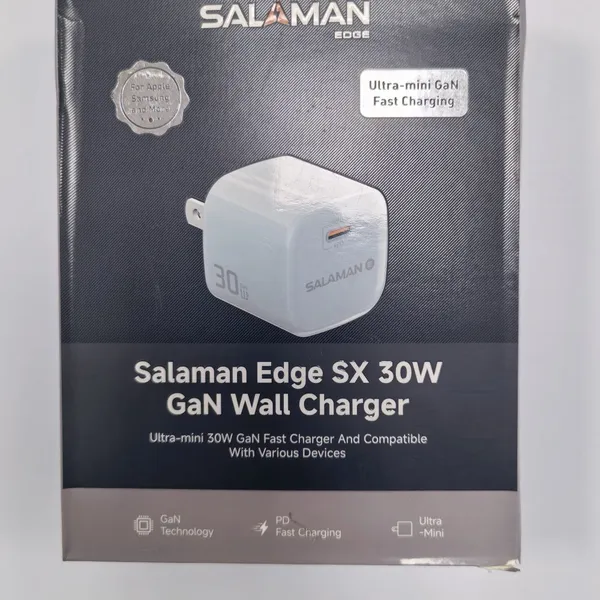
 Business License
Data cable quality standards and testing standards
The Data Cable: The Unsung Workhorse of the Digital Age
There is a humble object lying on nearly every desk, bedside table, car console, and backpack in the world. It costs a few dollars, is taken completely for granted, and yet without it the modern economy would slow to a crawl. The data cable — the unremarkable cord that charges our phones and moves our files — is among the most manufactured, most used, and least appreciated pieces of technology ever made. This article examines the data cable from every angle: the standards that define it, the engineering hidden inside its thin jacket, the reasons even a good cable eventually fails, and the forces reshaping its future. What emerges is a product far more interesting than a wire with two plugs. It is a precision electrical assembly, a negotiation point between two electronic devices, and a component whose quality determines whether a phone charges safely, whether files transfer reliably, and whether expensive equipment survives years of daily abuse. For engineers, procurement teams, and quality managers in the consumer electronics industry, understanding that humble cord is not an academic exercise — it is the difference between a trusted brand and a warranty claim. It also touches on practical questions every product team must answer: how much speed is enough, what certification really costs, and how to tell a durable cable from a cheap imitation before customers do.
A Brief History: From Parallel Ports to USB-C
Before USB, connecting a device to a computer was a small ordeal. Printers used clunky parallel ports; mice and modems spoke over RS-232 serial lines through bulky DB-9 connectors; every peripheral manufacturer followed its own conventions, and plugging the wrong cable into the wrong socket was a rite of passage for anyone who grew up with early personal computers. Then, in January 1996, the USB Implementers Forum — a consortium that included Compaq, Intel, Microsoft, and NEC — published the Universal Serial Bus specification. USB 1.0 moved data at just 1.5 or 12 megabits per second, but it offered something more valuable than raw speed: one standard connector that could serve keyboards, mice, printers, and storage alike. It worked, and it spread with extraordinary speed; within a decade, the rectangular USB socket had become as universal as the wall outlet.
USB 2.0 arrived in 2000, raising the ceiling to 480 megabits per second and making external hard drives practical for ordinary users. USB 3.0 followed in 2008 with a leap to 5 gigabits per second, adding extra pins and contacts to the familiar rectangular plug. USB 3.1 in 2013 doubled that to 10 Gbps; USB 3.2 in 2017 pushed further to 20 Gbps by using both lanes of a two-lane link. In 2019, USB4 unified the ecosystem around Thunderbolt-derived technology at 40 Gbps, and the USB4 Version 2.0 specification, finalized in December 2024, more than doubled the ceiling to 80 Gbps using a new PAM3 signaling scheme.
The connector side of the story is just as dramatic. The bulky Type-A plug ruled for two decades, while phones cycled through Mini-USB and Micro-USB. Apple introduced its proprietary Lightning connector in 2012. Then, in 2014, USB Type-C arrived: a slim, reversible, 24-pin connector designed to carry data, video, and high power through a single port. Its acceptance eventually became legally binding across Europe. Since 28 December 2024, the European Union has required a USB-C charging port on all new phones, tablets, cameras, headphones, and a wide range of small devices sold in the bloc, with laptops joining the requirement on 28 April 2026. The era of fragmented connectors is ending. The data cable has become the world’s universal pipe.
Anatomy of a Cable: What Is Actually Inside
Peel back the jacket of a well-built USB cable and you will find a carefully engineered structure, not a couple of wires held together by luck. At the center are the conductors. Pure copper is the reference material — ideally oxygen-free copper, prized for its low resistance and ductility — but many budget cables substitute copper-clad aluminum, a thin copper shell over an aluminum core. CCA cuts cost and weight but raises electrical resistance and invites corrosion at the exposed ends, and it is one of the most common hidden downgrades in cheap cables. The choice of conductor is the single largest driver of both cost and electrical performance in the entire cable.
Wire thickness is expressed in American Wire Gauge, where a smaller number means a thicker wire. Power-carrying lines, known as VBUS and ground, typically use 24 to 26 AWG in a three-amp-rated cable and heavier gauges when more current is expected, while the high-speed data pairs use thinner 28 to 30 AWG wires; at multi-gigabit frequencies, signals travel mostly on the surface of a conductor, so fine strands are acceptable. A USB 2.0 cable needs four conductors: power, ground, and one differential data pair. A SuperSpeed cable adds two more differential pairs, bringing the total to eight or more wires, each twisted in pairs to control interference.
Around each data pair sits an insulating layer, often a low-loss dielectric such as FEP, chosen to preserve signal quality at 5, 10, or 40 gigabits per second. The whole bundle is then wrapped in shielding: a layer of aluminum foil, a braided copper mesh, and a drain wire that carries stray interference to ground. This shielding is what allows a high-speed cable to run beside a power adapter without corrupting its own data. Outside it all is the jacket — PVC, TPE, TPU, nylon braid, or silicone — chosen for flexibility, durability, and feel. Each material has its trade-offs: PVC is cheap and tough but stiff, silicone is supple and heat-resistant but soft, and braided nylon adds abrasion resistance at a higher price.
The connector is the most stressed part of the cable. Gold-plated contacts resist oxidation and keep contact resistance low; quality connectors may carry 30 microinches or more of plating, while budget parts use a barely visible flash coat. Finally, the strain relief — a thick molded collar where the cable meets the plug — absorbs the bending that would otherwise snap the copper inside. Every one of these layers is a place where a manufacturer can save a fraction of a cent, and every one is a place where quality is either built in or silently sacrificed.
Standards and Protocols: One Cable, Power and Data
A modern data cable is simultaneously a data highway and a power grid. On the data side, the rating printed on the cable — USB 2.0, USB 3.2, USB4 — tells you how fast it can move information: 480 megabits per second, or 5, 10, 20, 40, or 80 gigabits per second. That is the difference between minutes and seconds for a large file, and it also determines how much video a cable can carry. With DisplayPort over USB-C, a 40 Gbps cable can drive multiple 4K displays from a single connector, which is why the cable market has become a battleground for laptops, docking stations, and content creators. For shoppers, the mismatch between a cable’s data rating and a device’s capabilities is one of the most confusing corners of the modern accessory market.
On the power side, charging speed is not simply the wattage printed on the charger. It is the result of a negotiation between the charger and the device, and the cable is the referee. The dominant protocol is USB Power Delivery, introduced in 2012 and significantly extended in 2021 with revision 3.1. In its Standard Power Range, PD negotiates fixed voltages of 5, 9, 12, 15, and 20 volts at up to 5 amps, delivering up to 100 watts. The Extended Power Range added by PD 3.1 raises the ceiling to 48 volts at 5 amps — up to 240 watts — enough to charge a high-performance gaming laptop from a small USB-C adapter. PD also includes a Programmable Power Supply mode, which allows fine-grained voltage steps and is how many modern phones hit their headline charging speeds while keeping heat under control.
Alongside PD, a family of proprietary protocols still thrives: Qualcomm’s Quick Charge, OPPO’s VOOC and SuperVOOC, OnePlus’s Warp Charge, Huawei’s SuperCharge, and MediaTek’s Pump Express. These achieve fast charging with higher currents or custom voltage curves, and they reach full speed only when the cable is genuinely built for them. A cheap cable labeled “fast charging” can silently cap a compatible phone at a fraction of its potential, which is a common source of consumer frustration and a recurring problem for after-sales teams.
One rule governs everything: power delivery is limited by the weakest link. The charger, the port, the cable, and the device must all agree on a power profile. A cable rated for 3 amps can carry about 60 watts at 20 volts; beyond that, the USB-IF requires an electronically marked cable. That brings us to the E-marker chip.
The E-Marker Chip: A Small Component with a Big Job
The E-marker is a tiny integrated circuit embedded inside a USB-C plug. Its job is to tell both connected devices what the cable can do: its current rating of 3 or 5 amps, its power capability, its data speed, and even which way the plug is oriented. When you connect an e-marked cable, the charger and the device read the chip before any significant power begins to flow, so the right voltage and current are selected for the cable that is actually in hand.
The E-marker is a safety feature as much as a specification detail. Without it, a cable rated for 3 amps could be asked to carry 5, heating its thin conductors dangerously and stressing both ends of the connection. USB Power Delivery therefore requires an E-marker in any cable designed to carry more than 3 amps, roughly 60 watts. Counterfeit and ultra-cheap cables often omit the chip or embed a fake one, which is a principal reason such cables can overheat, damage ports, or charge erratically. The chip costs cents; its absence can cost a device — and a brand’s reputation.
Quality and Reliability: Why Cables Fail
Most data cables do not die in a single dramatic event. They wear out through accumulated abuse, and the failure is usually traced to one of a handful of predictable causes. Understanding these causes is the foundation of any serious cable quality program, because a good program is built around preventing known modes of failure rather than reacting to them. Warranty and return data, if captured properly, become a map of where the design and the factory process need attention.
The most common failure point is the connector root. Every bend flexes the copper strands inside the cable; after thousands of cycles, the metal fatigues and fractures. The result is a cable that looks perfect but only works when held at a particular angle — the classic symptom of a broken conductor just inside the strain relief. Repeated plugging is just as hard on the contacts. Insertion and withdrawal wear away the gold or nickel plating; once the copper underneath is exposed, it oxidizes, contact resistance climbs, and the cable begins to charge slowly and run warm.
Shielding can tear where it bends repeatedly, and when it does, data integrity degrades long before the cable stops working altogether — transfers slow down or drop out even though charging still appears normal. Poor soldering in the factory produces intermittent faults that are notoriously difficult to trace, because they come and go with temperature and movement. And at high power, undersized conductors become a safety issue: a cable too thin for 5 amps will waste power as heat, and in the worst cases its jacket softens, discolors, or melts.
Economics explains much of this. Scale manufacturing exerts relentless pressure to cut cost — thinner copper, aluminum cores, shorter shielding, thinner plating, and E-markers that are omitted or faked. The difference between a great cable and a dangerous one can be a few cents of material and a few steps of process discipline. That is why a mature quality system examines cables across six dimensions — appearance, structure, dimensions, function, reliability, and safety — and why testing is not an afterthought but the core of the business.
Testing a Cable: How Quality Is Proven
A credible cable manufacturer validates its product across those same six dimensions, with concrete tests at each step. Appearance inspection checks the jacket, molding, and printing for defects, contamination, and off-spec finish. Dimensional checks use gauges to confirm that plugs, shells, and contacts are within tolerance; a plug that is a fraction of a millimeter off can damage a phone’s port over time.
Functional tests are where the cable earns its rating. Continuity checks confirm that every pin is wired correctly. Voltage-drop and resistance measurements confirm that the cable carries its rated current without overheating or excessive loss. And for high-speed cables, signal-integrity tests using eye diagrams and impedance measurements — a differential impedance of 90 ohms, plus or minus 10 percent, for USB 3.x pairs — verify that data can actually travel at the advertised speed.
Reliability testing simulates years of use in days. Plug insertion and withdrawal is typically cycled thousands of times, with 10,000 cycles a common benchmark. Cables are pulled, twisted, and bent around mandrels, then retested for continuity and data integrity. Salt-spray testing checks the corrosion resistance of the plating; temperature and humidity chambers stress the jacket and the internals; and aging tests look for drift in resistance and performance over time. Testing laboratories use calibrated instruments, from four-wire micro-ohmmeters to network analyzers, and every measurement is recorded against a specification limit rather than an opinion. Finally, safety testing covers temperature rise under full load, electrical stress such as electrostatic discharge, and protection against overcurrent and short circuits. An E-marker’s firmware must also be verified to be genuine and correctly programmed. A cable that survives this gauntlet has earned its place in the market; a cable that skips it is a gamble, and the user, not the manufacturer, pays for the loss.
Certification and Compliance: The Ticket to Global Markets
For a brand selling across borders, a data cable is not just an engineering product; it is a regulated one. The first layer is USB-IF certification, which assigns a Trademark ID and permits the official USB logo — a mark of interoperability that retailers and enterprise buyers increasingly expect. The second layer is regional regulation. Europe requires CE marking and RoHS compliance; the United States requires FCC compliance; substance restrictions under REACH apply across the European Union; UL and similar bodies cover product safety; and markets such as China with its CCC mark, Japan with PSE, and Korea with KC add their own requirements. The European Union’s common charger rules layer product-specific obligations on top of the electrical standards.
For an export brand, certification is quite literally market access. A missing mark can mean a shipment held at customs, a product pulled from shelves, or a reputation damaged by a single headline. In a category with razor-thin margins, compliance discipline is often the quiet differentiator between a brand that grows and one that disappears.
Market Trends and the Road Ahead
Several forces are reshaping the data cable business. The arrival of 240-watt Extended Power Range charging is extending USB-C into territory once reserved for barrel connectors — high-performance laptops, electric bicycles, and power tools can now share the same cable ecosystem. Paired with the rise of gallium-nitride chargers, which shrink adapters dramatically, high-power cables are becoming a premium category of their own.
The product itself is being premiumized. Braided nylon and silicone cables, magnetic tips, LED status lights, and flat ribbon designs have turned a commodity into a fashion accessory and a marketing canvas for brands. At the same time, sustainability is becoming a competitive lever: recyclable jackets, reduced packaging, and longer warranties respond both to regulation and to consumer expectation. Smart cables with built-in power metering and fault reporting are appearing for charging stations, industrial equipment, and fleet applications.
Wireless charging continues to grow, but it is a complement, not a replacement. Inductive charging wastes energy as heat and still cannot match the efficiency of a cable at high power, which is why wired charging remains dominant in vehicles, workspaces, and fast-charging infrastructure. For now, the cable remains the fastest, most efficient, and most reliable way to move both energy and data. Meanwhile, the standards themselves keep moving — USB4 2.0 at 80 Gbps is just the latest step — and manufacturers in emerging hubs are discovering that quality, not price, is the durable advantage in a crowded market. For brand owners, the strategic question is no longer whether to offer USB-C, but how to differentiate in a market where the core technology is standardized for everyone.
Conclusion
The data cable is the quiet backbone of the connected world. It negotiates power, carries our memories, and outlasts most of the devices it serves — or fails in maddening, invisible ways when corners were cut. The next time you plug in a phone and watch it charge, consider what is really happening inside that thin cord: dozens of strands of copper, layers of shielding, a tiny negotiating chip, and a stack of standards shaped by some of the industry’s best engineers. And when a cable does fail, the failure is rarely the cable’s fault alone — it is usually a decision made somewhere up the supply chain. The difference between a cable that lasts for years and one that fails in weeks is not luck. It is design, materials, testing, and the willingness to spend a few cents more. In a world that runs on connections, quality is the only cable that never frays.
Recently Posted
-
Where will the future of consumer electronics lie?
September 4, 2026The Future of Consumer Electronics: Where the Next Decade’s Winners Will Come FromFor two decades, the consumer electronics indust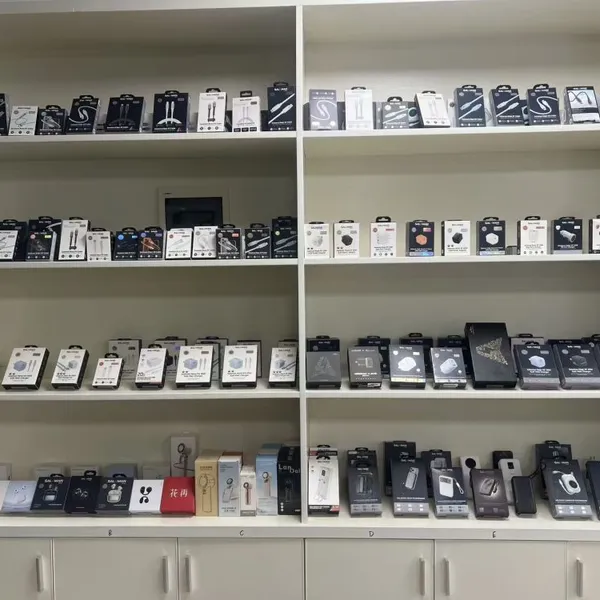 Read More
 -
Charger Product Inspection Standard
September 3, 2026A good product is not only about its appearance and color, but also involves comprehensive verification through product testing. O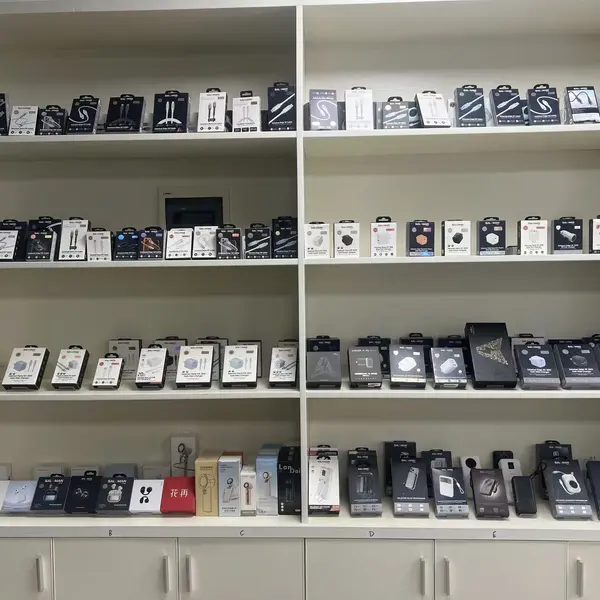 Read More

Contact Us

Recommended Products
-
 Mobile Phone Cable-SLM-PSCL-03-1meterUS$ 1.16 - 1.26MOQ: 2000 Pieces
 -
SALAMAN-CC-60W-2metersUS$ 1.28 - 1.4MOQ: 2000 Pieces
-
Mobile Phone Charger-SALAMAN-SLM-PD20-01US$ 2.30 - 2.36MOQ: 1000 Pieces
-
Mobile Phone Charger-SALAMAN-SLM-PD30-01US$ 2.97 - 3.07MOQ: 1000 Pieces
-
SALAMAN-Bluetooth HeadsetUS$ 4.16 - 4.58MOQ: 1000 Pieces